Mr Gradient
A gradient editor that makes light on your graphics card. Every picture comes from a seed and a set of rules, and you shape it by dragging the picture itself.
- Role
- Product design, UI, build
- Type
- Personal project · Creative tool
- Status
- Live · mrgradient.com
- Year
- 2026
The opening
Most gradient tools ask you to think like the tool.
Observations from tools I have used and from my own first version. No research was run.
The picture is the output; the work happens somewhere else, in a column of sliders.
Sliders before picture
You change a number and then look up to see what it did.
Words for the machine
Field, falloff, influence. My own first version used exactly these.
Throwaway results
Press randomise and the one you liked is gone.
The approach
Six rounds. Each one started from what was wrong with the last.
A spec
Near-black interface, one orange, a panel on the right, and the shader as the single source of truth.
Layers
Up to four layers, each with its own engine. The panel became Create, Sculpt, Motion, Finish.
Glass moves out
Glass started as a finishing effect. It kept wanting to be an object you place, so it got its own tab.
The blunt round
I had the editor taken apart. Modes went, plain words came in, the blobs became draggable, and Space became Generate.
Publishing
Shaped glass and a lens, Chrome and Holo, a landing page — and a decision not to add a text layer.
Motion
A sunray look, and triggers that let the gradient answer the pointer.
Design decisions
- 01
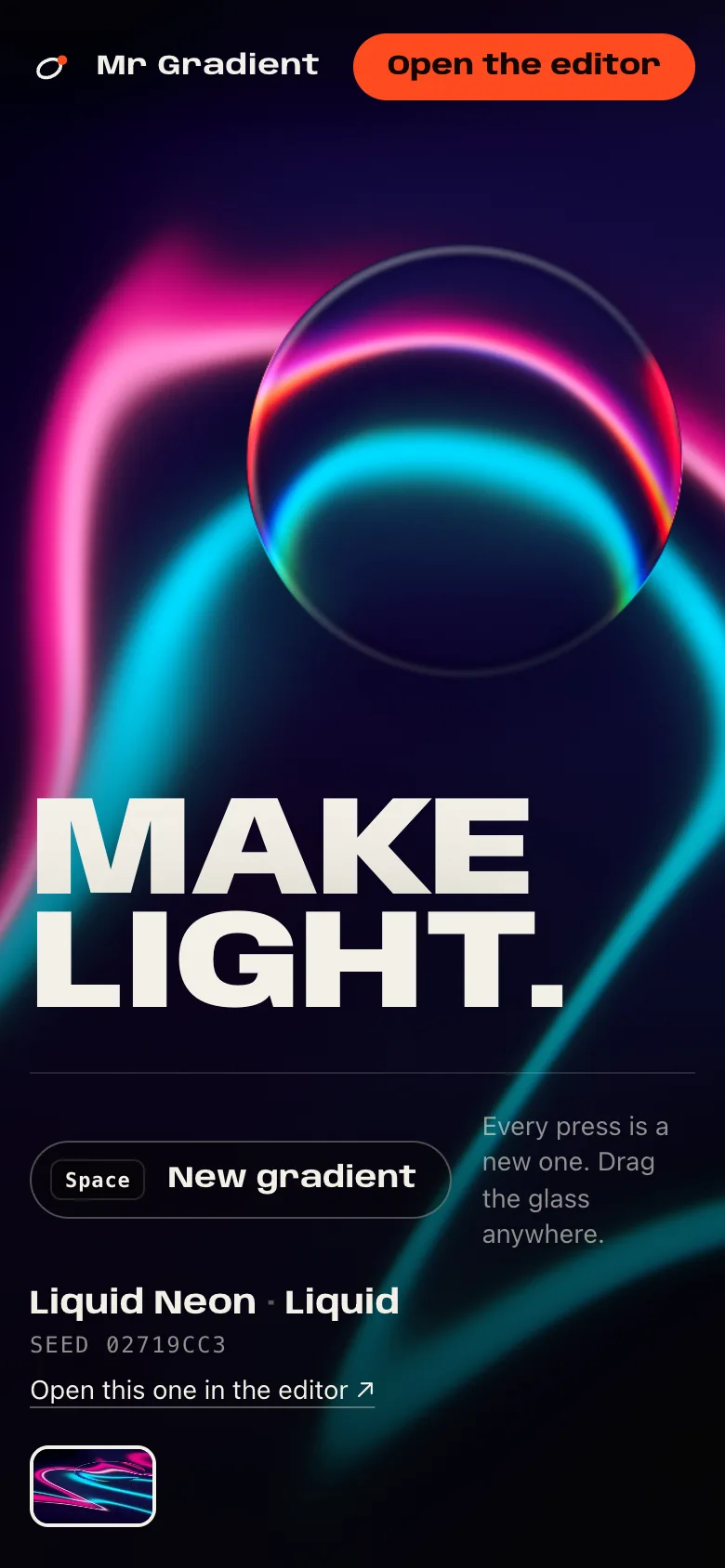
Seeds, not prompts
Every gradient is a number and a recipe. Nothing is generated by a model.
- Why
- A seed can be shared, reopened and nudged. A prompt only ever gives you something near what you had.
- Effect
- Each part of the generator draws from its own named stream of randomness, so tuning one part never reshuffles the others.
- 02
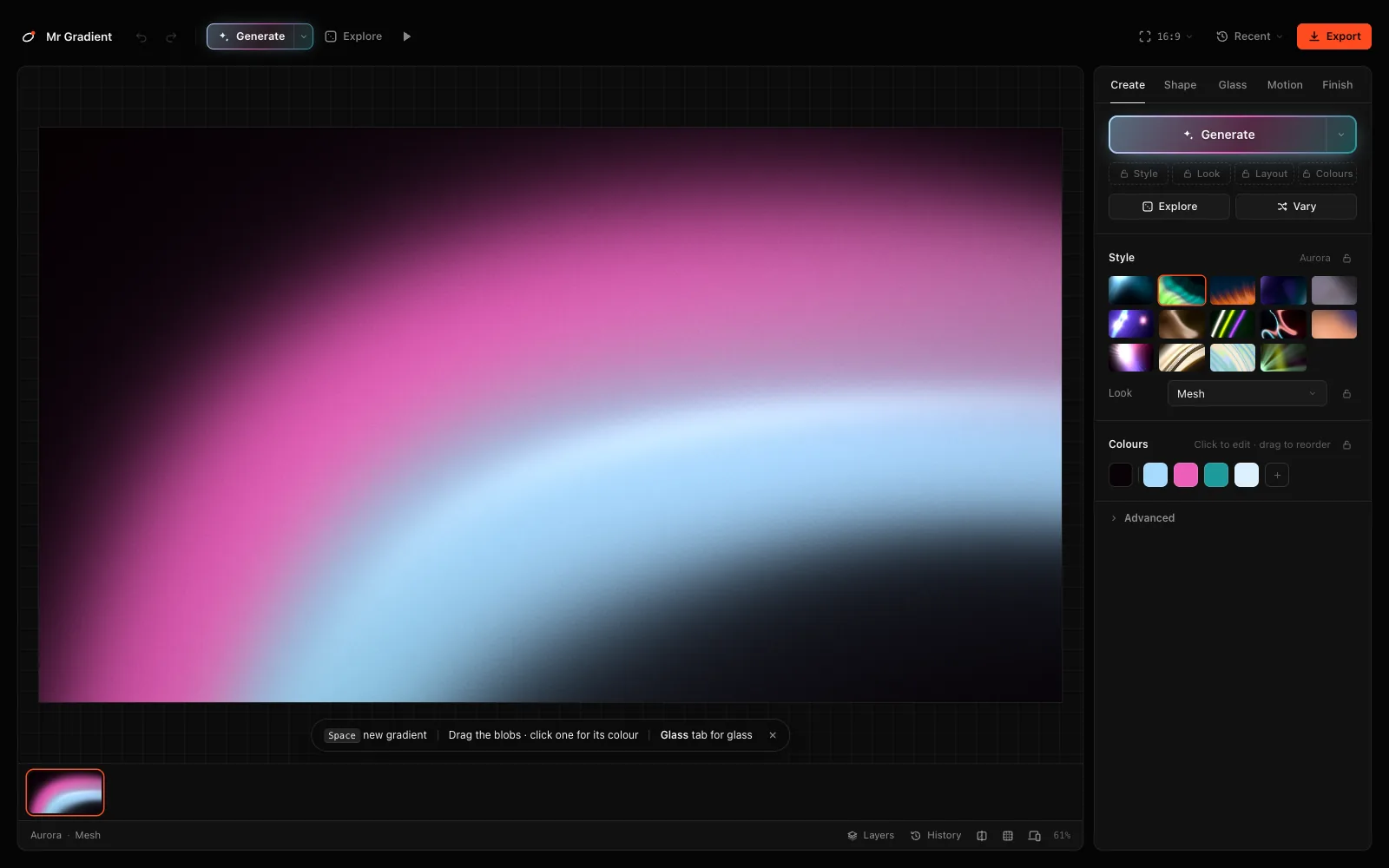
The canvas is the control
There is no Edit button. Handles appear when the pointer is over the picture: drag a blob, click it for its colour, scroll to resize, double-click to add one.
- Why
- The thing you are looking at should be the thing you are holding.
- Effect
- The panel is left with only what cannot be pointed at.
- 03
Lock what you like
Space makes a new gradient. Four locks — Style, Look, Layout, Colours — keep whatever you already like.
- Why
- Randomising is only useful if it cannot take away the part you came for.
- Effect
- Every result also lands in a strip under the canvas, so nothing is lost.
- 04
Plain words
Style, Look, Blob, Background, Strength, Fade, Spread. The code still says recipe, engine, field and ground.
- Why
- Labels are for the person looking at the picture, not for the person who wrote the shader.
- 05
One orange
The interface is near-black, so the only colour on screen is the gradient. One orange exists, for selection and Export.
- Why
- A colourful tool for making colour competes with the thing being made.
- 06
Glass is an object
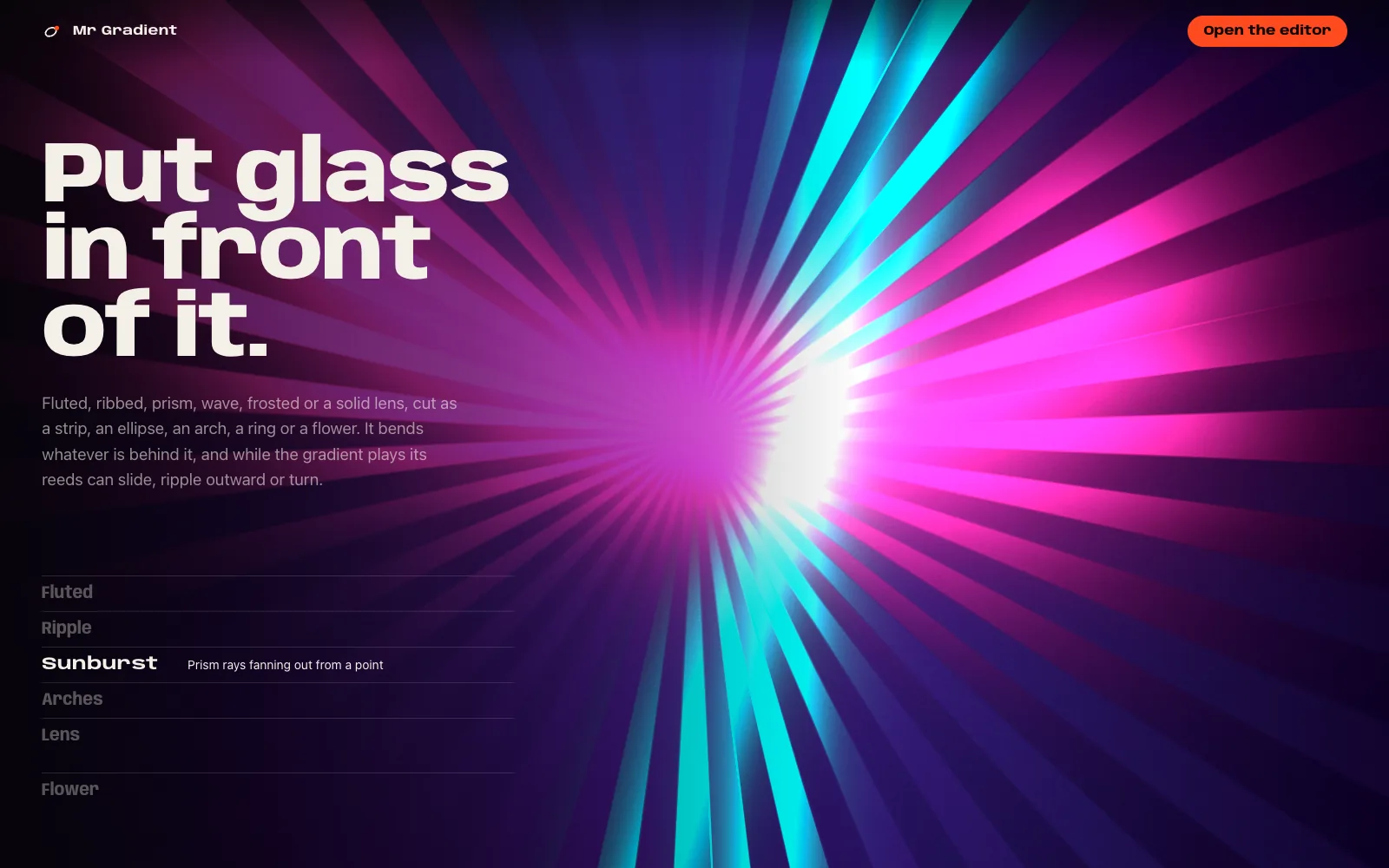
Fluted, ribbed, prism, wave, frosted or a lens — cut as a rectangle, an ellipse, an arch, a ring or a flower, and moved on the canvas.
- Why
- As a finish effect it was a toggle. As an object it became something to compose with.
How a picture is made
A picture is up to four layers. A layer is a seed, a style, a look, and two to eight blobs.
- Black#050505
- Bone#F3EFE6
- Signal#FF4B20
Typeface
Anybody
Anybody is the display face on the landing page. The editor itself is set small in a quiet sans, and stays out of the way.
- page
- #050505
- accent
- #FF4B20
- styles
- 14
- looks
- 9
- glass
- 6 styles · 5 shapes
- motion
- 10 loops + morph
Fourteen styles
Dark Bloom, Aurora, Liquid Chrome, Golden Hour and ten more. Each decides a palette, a direction and where the weight sits.
Nine looks
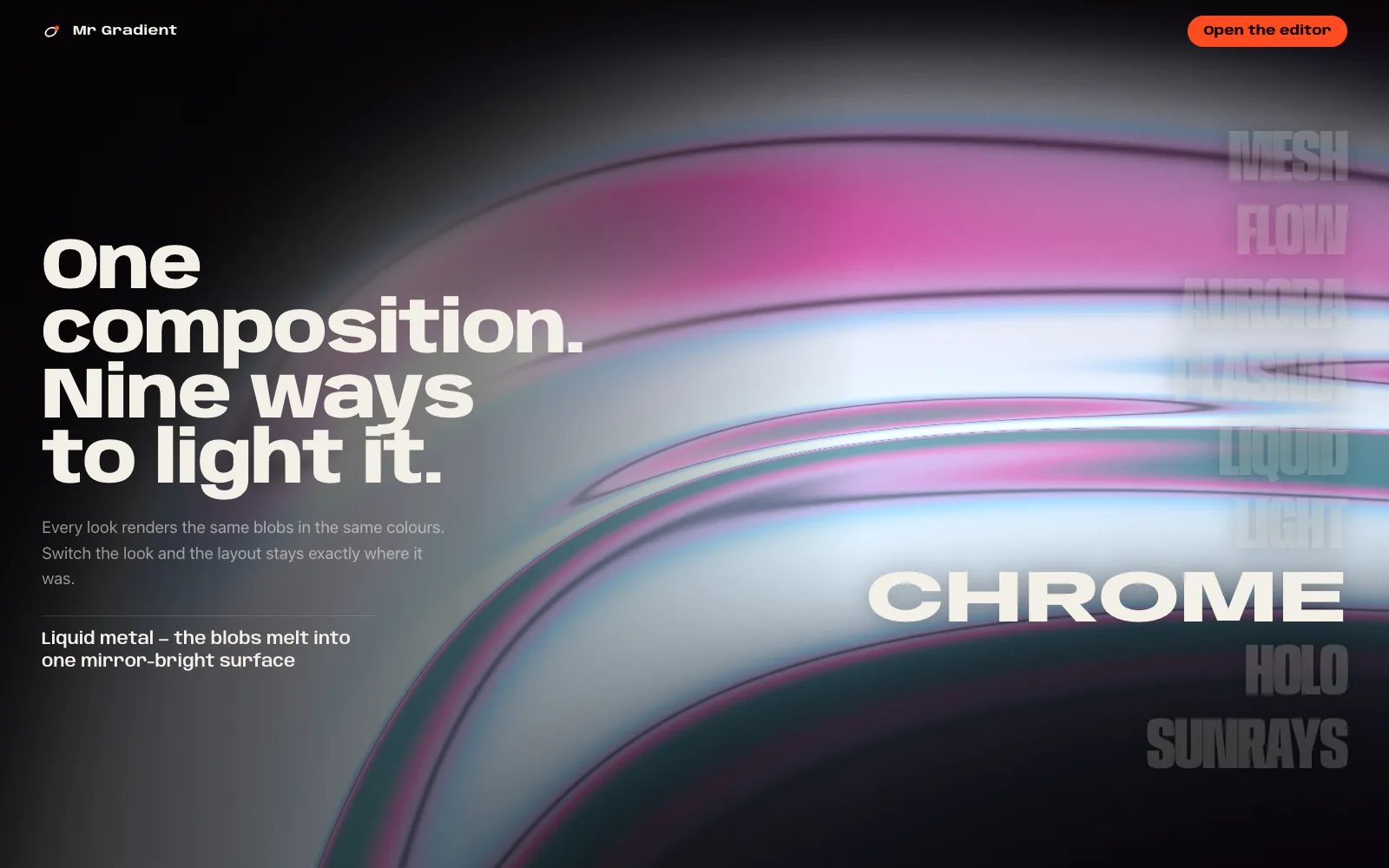
Mesh, Flow, Aurora, Plasma, Liquid, Light, Chrome, Holo, Sunrays. Same blobs, same colours, different light.
Six kinds of blob
Ellipse, ribbon, arc, line, bloom, ring — each with a position, a size, a softness and a strength.
Checked before you see it
A generated picture is scored on a few plain measurements and, if it fails, tried again on a fresh stream — up to 24 times.
Interaction
Move the pointer across this page. It is leaving light — the same idea, borrowed.
- 01
Space
A new gradient. The locks decide what survives.
- 02
Hover to try
Hovering a motion tile plays it as a draft. Nothing is committed until you pick it.
- 03
Loops that close
Drift, Flow, Breathe, Orbit, Tide, Warp and the rest end exactly where they began, so video and GIF repeat without a seam.
- 04
Keys for everything
1 to 5 for the tabs, E to explore, B to breed two gradients, ⌘K for the rest.
The build
Built with
- WebGL2 + GLSLthe renderer
- React 19the editor
- TypeScripteverything, including the CPU mirror
- Vitebuild
- Playwrighteight suites on a real GPU
One fragment shader draws everything, and a second copy of it runs on the CPU to keep it honest.
One pass
Layers, looks, masks, glass and chromatic aberration live in a single shader. Tiled exports have no seams because there is nothing to stitch.
GPU and CPU agree
The shader is mirrored in TypeScript. Tests fail if any colour channel differs by more than 3 levels out of 255.
Export is a re-render
Stills are drawn again offscreen in 2048px tiles, never a screenshot of the preview. Video samples whole loops.
Three kinds of code
Embed, React and HTML carry the real shader. GLSL is one static frame. CSS is an approximation in layered radial gradients.
The result
Live. It exports stills, video and code.
PNG, JPG and WebP up to 4×. WebM, MP4, animated WebP and GIF. Embed, React, HTML, GLSL, CSS and design tokens. A share link holds the whole project, and no server reads it.
mrgradient.comWhat I learned
The biggest thing I changed my mind about was the words.
I named the controls after how the shader works, because that is how I was thinking: recipe, engine, field, falloff. It took a blunt review of the editor for me to see that none of those words describe a picture.
The other one was glass. I had filed it under finishing touches. It turned out to be the part worth building a tab for.