Khlosh
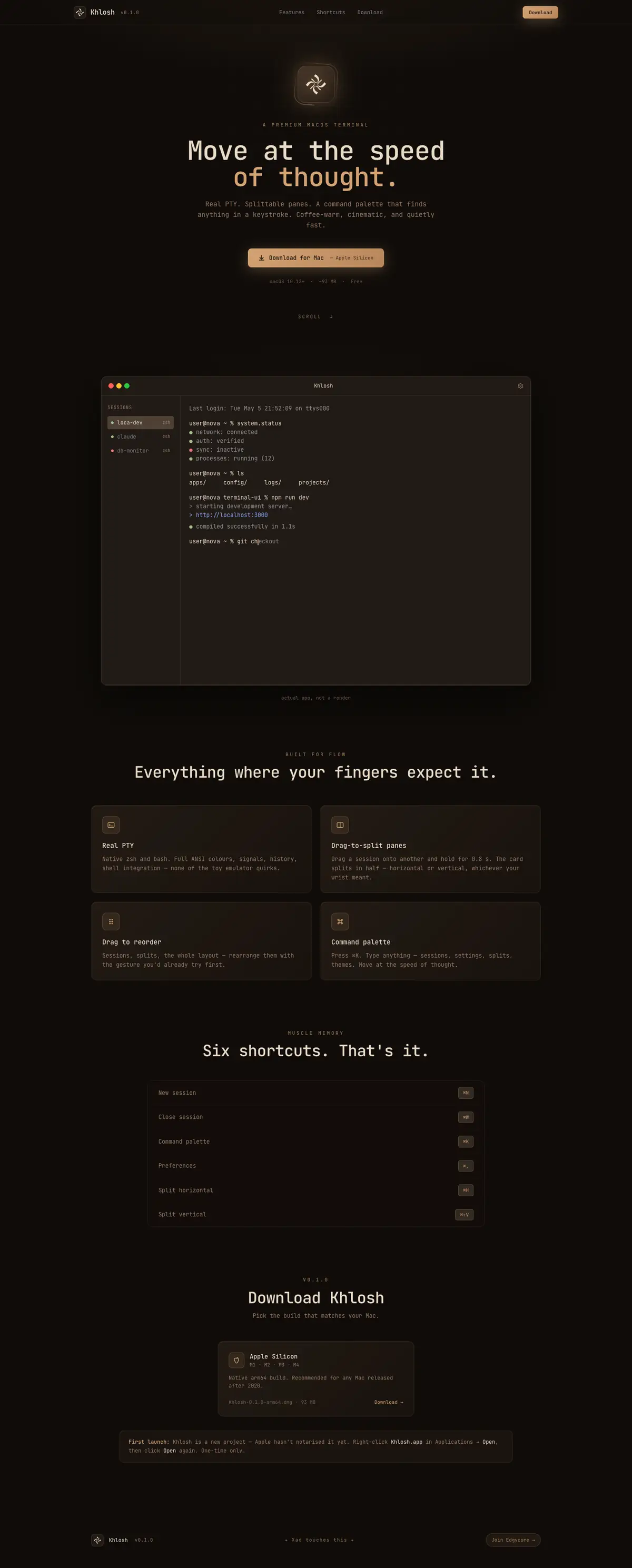
A terminal with a real shell underneath and a coffee-coloured room on top: named sessions, two-pane splits and a command palette.
- Role
- Product design, UI, build
- Type
- Personal project · Desktop app
- Status
- v0.1.0 public for Apple Silicon · khlosh.wasmer.app
- Year
- 2026
Design decisions
- 01
One face everywhere
The title bar, the sidebar, the palette and the shell are all set in the same monospace. So is the website.
- Why
- A terminal is a page of text. Chrome in a second typeface makes it look like an app wrapped around one.
- 02
Hold to split, drop to reorder
Drag a session over another and let go: it reorders. Keep holding for 0.8 seconds — a bar fills while you wait — and it opens in a split instead.
- Why
- Two actions on one gesture, separated by time rather than by a modifier key or a menu.
- Effect
- Splits are pairs, never nested, and the divider stops at 20% and 80%.
- 03
Paste gets ⌘V back
Vertical split was ⌘V, because H and V for the two splits looked tidy. It moved to ⌘⇧V.
- Why
- A shortcut that takes paste away from a terminal is wrong, however neat the mnemonic.
- 04
It draws its own window buttons
Traffic lights on macOS; minimise, maximise and close on Windows — drawn by the app on both.
- Why
- The buttons stay in the app’s palette and typeface on every theme.
- Effect
- The cost is Windows 11’s snap-layout flyout, which only native buttons get. I chose the matching chrome.
- 05
The palette shows the chord that works here
Shortcut labels come from a keymap per platform. On Windows nothing claims a bare Ctrl+letter.
- Why
- Those keys belong to the shell. A terminal that takes Ctrl+C for itself has misunderstood its job.
The identity
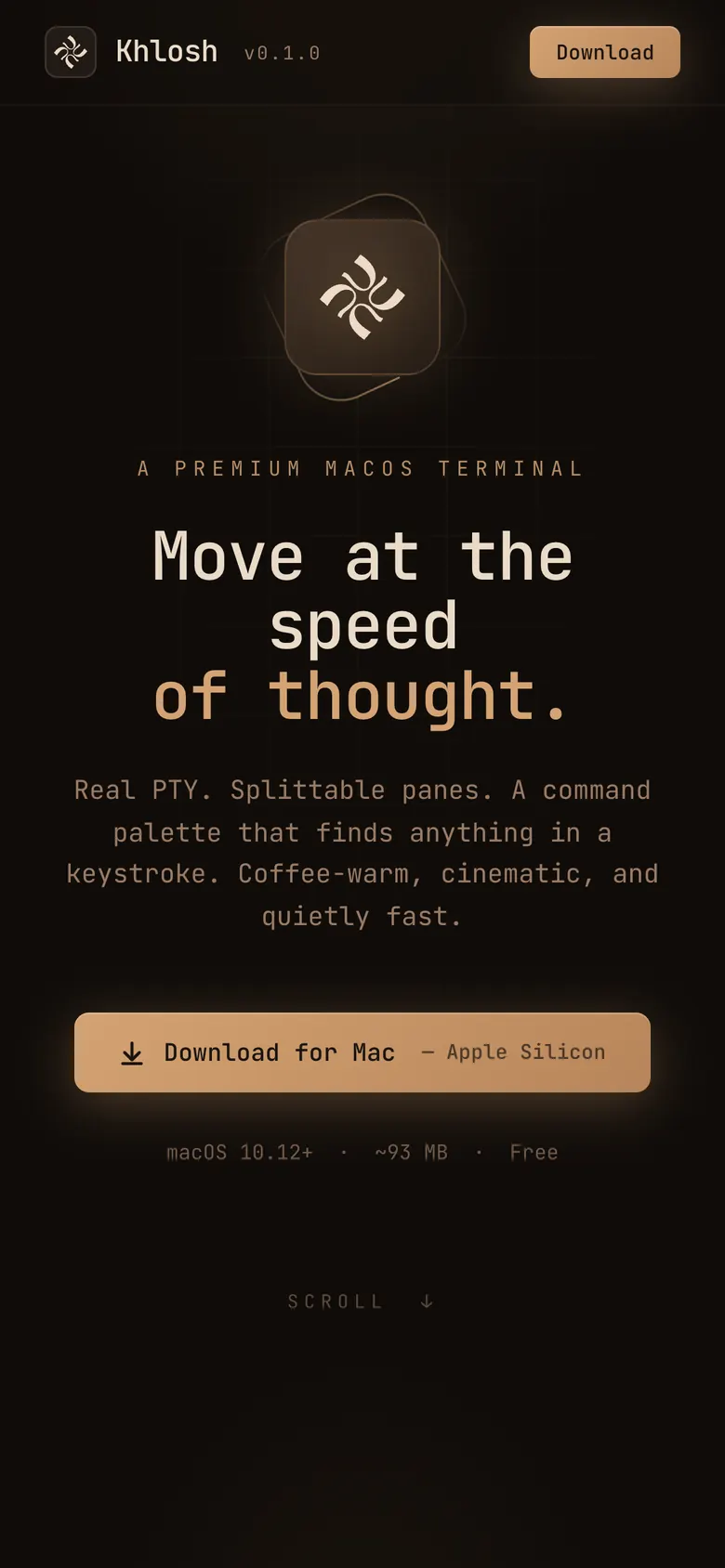
Coffee is the default theme and the reference. Every value in it comes from the first frame.
- Espresso#100C09
- Ground#211A15
- Border#3E3229
- Roast#B8855A
- Caramel#D4A373
- Cream#EADBC8
Typeface
JetBrains Mono
JetBrains Mono at 14px on a 1.5 line. Preferences offer other faces, and every one of them is a monospace.
- bg
- #211A15
- bg-deep
- #100C09
- text
- #EADBC8
- accent
- #D4A373
- border
- #3E3229
- title bar
- 44px
- sidebar
- 190px
Warm, concretely
Brown-black ground, cream text, caramel accent and cursor. The cool themes exist; this one is the product.
Twenty-four themes
Twenty dark and four light — Nord, Dracula, Tokyo Night, Rosé Pine and the rest — each one a command in the palette.
Almost no motion
Overlays fade in over 120ms with a 4px rise. That is all of it.
The mark
A four-blade pinwheel in cream on a rounded brown square.
Interaction
These are the six shortcuts the site leads with. Press one.
❯press a key
Six shortcuts on the front page. The rest are in the palette.
- 01
⌘K
Sixteen commands and every theme. Type part of a name, then arrows and Enter.
- 02
Hold to split
A ring, a label and a 2px progress bar tell you the hold is counting.
- 03
Sessions come back
Names, folders, shells and splits are restored on launch. Running processes are not, and it does not pretend otherwise.
- 04
Type on this page
On a keyboard, this page takes commands: ls, open unikist, exit.
The build
Built with
- Electron 29the window
- React 18the interface
- xterm.jsrendering, on WebGL
- node-ptya real PTY
- Zustandstate
- Tailwindstyling
- TypeScriptall of it
Three processes, with everything that differs between operating systems kept in two folders.
A real PTY
zsh and bash on macOS, ConPTY on Windows. A small script reports the working directory and exit codes, and it loads after your own config.
Isolation on
The interface has no Node access. Everything it needs crosses one bridge.
Windows, built from a Mac
The installer is built on macOS from prebuilt native modules, with a script that checks the package before it is trusted.
What 0.1.1 fixed
Closing a session could blank the window, and ⌘W could close the whole app. Both were the platform doing something I had not asked for.
The result
v0.1.0 is out, for Apple Silicon.
Free, about 93 MB, and not notarised yet, so macOS asks once. 0.1.1 and the Windows installers are built and not yet published.
khlosh.wasmer.appWhat I learned
Tidy is not the same as right.
H and V for the two splits looked perfect in a table of shortcuts. It also took paste away from a terminal. I now check a shortcut against what the hand already does before I check whether it is easy to remember.
And a menu item you did not write can still own your shortcut: ⌘W was closing the window because macOS said so.